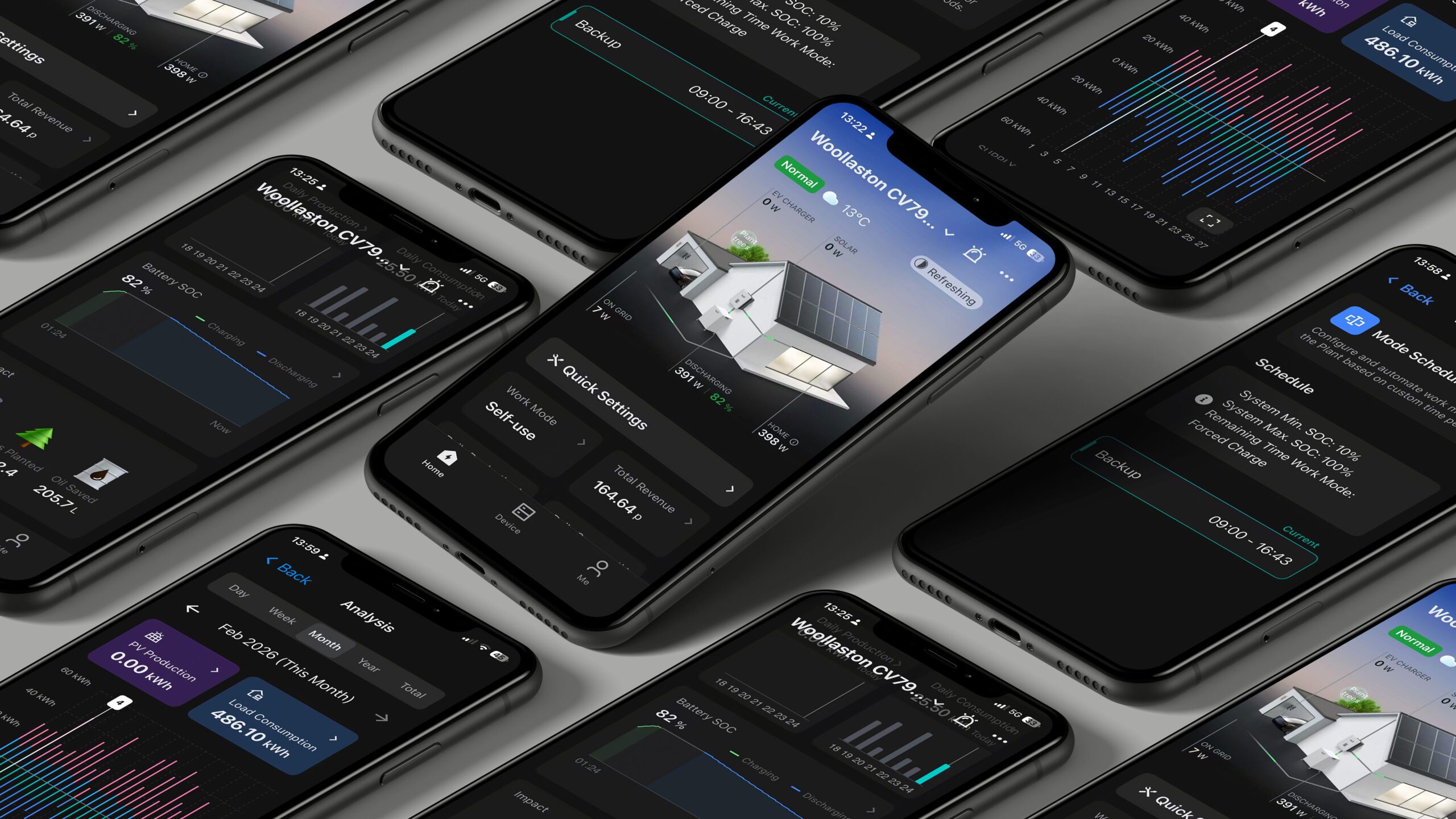
We’ve received some feedback from users experiencing issues with the app, such as missing data or strange readings when logged in with a VPN enabled. The app’s performance can sometimes be affected by VPN connections because of geo-location restrictions.
Why this happens:
When you use a VPN, your internet traffic is routed through different locations, which can cause disruptions with how data is retrieved and displayed on the app. This can lead to inconsistencies, such as missing information or unexpected readings.
What you can do to resolve this:
- Disable your VPN – The easiest solution is to simply turn off your VPN while using the app. This should restore normal functionality and ensure the app is working as expected.
- Change your VPN location to the UK – If you need to keep your VPN enabled for security reasons, try changing the VPN server location to the UK. This tends to work better with the app and helps prevent issues with data display.