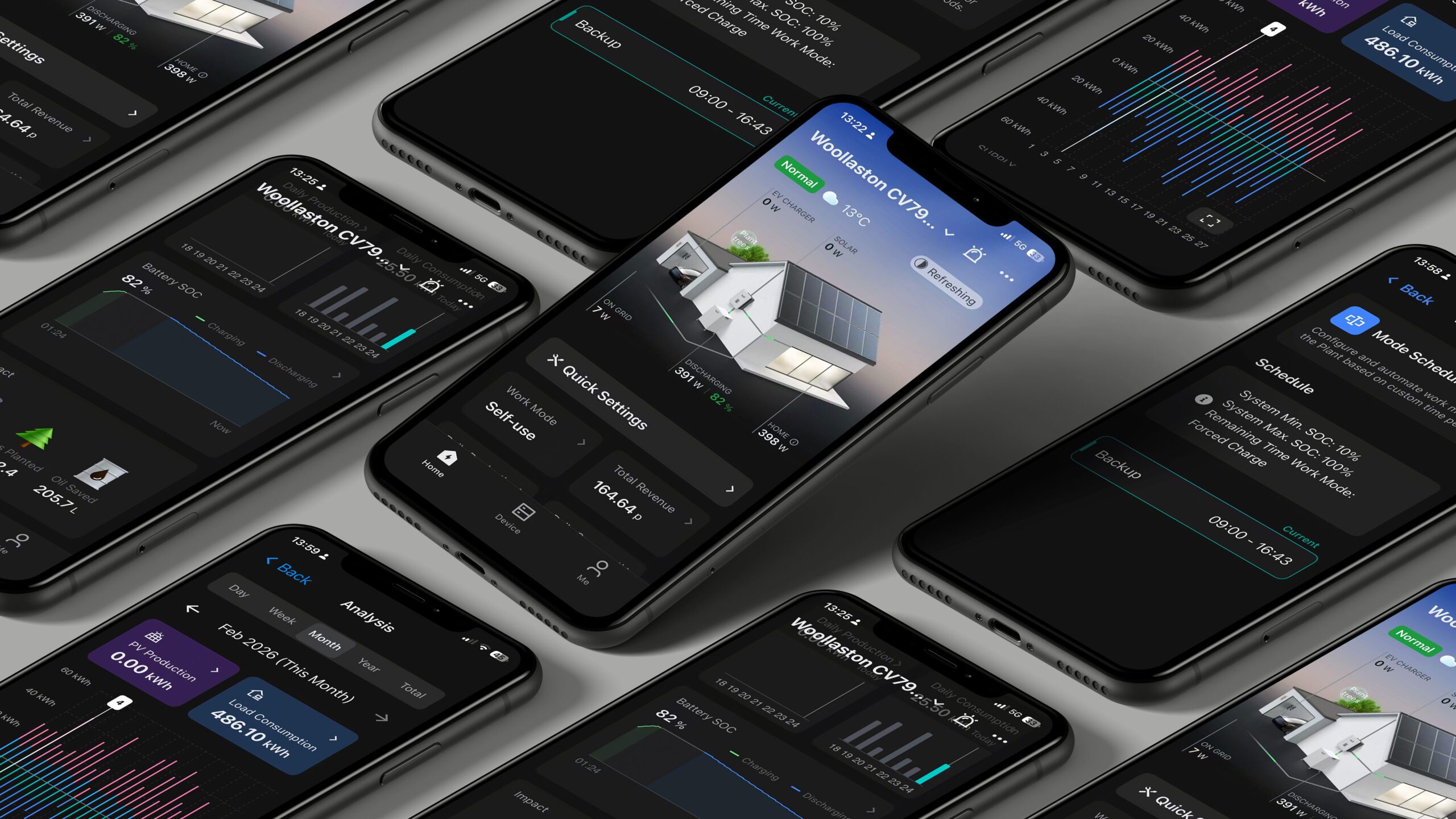
If you encounter an issue with the data on the app not updating and appearing to have frozen at a particular point in time, we suggest accessing your system at foxesscloud.com (using same username and password) to verify that you are seeing data updates on this platform. If data is populating, this may point to an issue with your device or app install.
The first step would be to clear the cache for the app on your device, or simply reinstall the app. Guidance as follows:
Clearing App Cache on Android & iOS
Android (Varies by Version & Manufacturer)
- Open Settings → Go to Apps or Apps & Notifications.
- Find and select the app you want to clear the cache for.
- Tap Storage & Cache (or just Storage).
- Tap Clear Cache.
iOS (Only Option: Reinstalling)
iOS does not allow direct cache clearing. Instead, you can:
- Offload App (keeps data but removes cache):
- Settings → General → iPhone Storage.
- Select the app → Tap Offload App → Reinstall.
- Fully Delete & Reinstall (removes all app data):
- Settings → General → iPhone Storage.
- Select the app → Tap Delete App, then reinstall from the App Store.
If you are also not seeing data populate on the web browser version at foxesscloud.com; this may point to a connectivity issue. We would suggest power-cycling your router in the 1st instance, failing that we would re-paring your dongle (assuming it is wifi) to your router. There is no repairing required for LAN or 4G connected devices, so a loss of comms in this scenario would require further investigation.