
Fox ESS Now Fully Available on Enode
We’re excited to announce that Fox ESS is now fully available on Enode, expanding the ways Fox ESS inverters and battery systems can connect with leading energy applications, Energy Management Systems (EMS) and Virtual Power Plant (VPP) solutions.This integration represents...
How to Create a Fox Cloud Admin Account (For Installers Only)
This guide walks you through how to create a new account on Fox Cloud using the login and registration screen. This is guide is for admin account access and should be used by new installers looking to set up their...


Fox Cloud App Service Disruption
We are aware that some users are currently unable to access the Fox Cloud app. Our team is actively investigating the issue and working to restore normal service as quickly as possible. We understand how important the platform is and...
Inverter firmware updates now available directly in the Fox Cloud App
We’re excited to announce a major update to the Fox Cloud App – customers can now update inverter firmware directly from their phone, without needing to contact Fox Support. Until now, firmware updates had to be requested through our technical...

Reconnecting your Fox Cloud device – what to do when Wi-Fi drops
Occasionally, a Fox Cloud datalogger or inverter can lose its Wi-Fi connection. This very rarely a fault with the device itself – it’s usually caused by changes on the home network, such as a new router, updated Wi-Fi password, ISP...
5-second live energy flow available on FoxCloud for selected devices
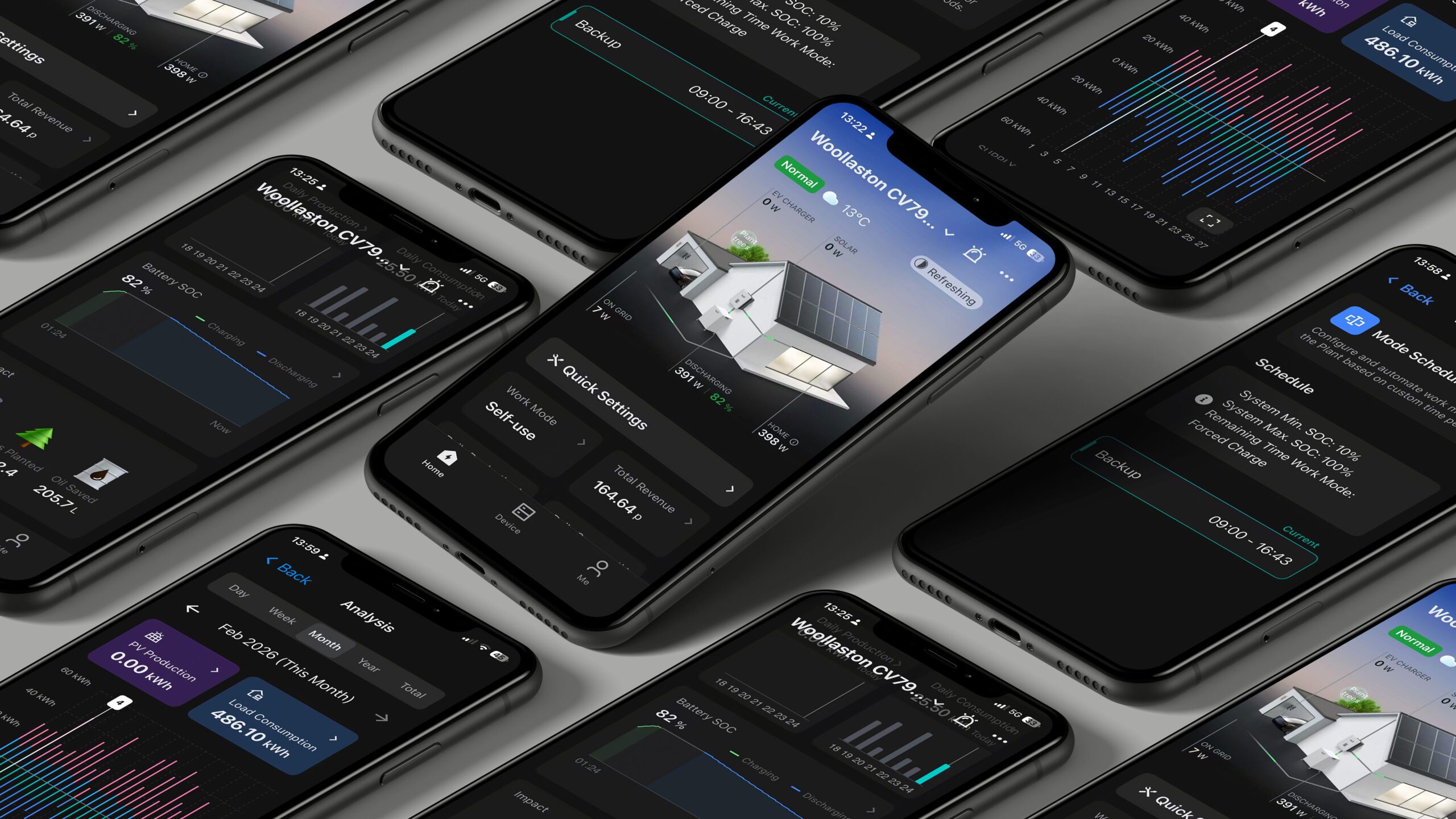
We’re rolling out a major upgrade to the Fox ESS app that brings your system to life in near real time. The main energy-flow screen will now refresh every 5 seconds, instead of every 3–5 minutes, giving you a far...
Datalogger (WiFi/LAN/4G) inverter compatibility (updated)
Fox offer a range of USB dataloggers for remote system monitoring. Please refer to the table below for device compatibility: Datalogger TypeConnection MethodSN IdentifierSupported ModelSmart Wifi V2.0WiFi9W2**SG2, SG3, ES, F, FG2, G, TG3, U, H1/AC1, H1/AC1(G2), KH/KA, H3/AC3SMART WWiFi9W3**SG2, SG3,...

Controlling battery warm-up function via Fox Cloud
This video provides a quick overview of the battery warm-up settings on the Fox Cloud app.
Fox Cloud forgotten password & how to reset
If you forget the password for your Fox Cloud account, there is a password reset option on the login screen on both the app and web browser version at foxesscloud.com. This requires entering a new password and requesting a verification...

WiFi connection & account set-up guide for agents & installers (using WiLan datalogger)
This video provides a quick-reference overview of the process for installers/agents to connect a datalogger and create a site – please note, this guidance relates to the new WiLan datalogger (provided as standard with latest inverters); older dongles that are...
