If you forget the password for your Fox Cloud account, there is a password reset option on the login screen on both the app and web browser version at foxesscloud.com.
This requires entering a new password and requesting a verification code is sent. However, if your account was initially set-up without an email address or phone number (or there are errors), you will be unable to receive the code.
In this instance, please email service.uk@fox-ess.com to request a password reset. Please provide your product serial number and username to help us locate your account. While we cannot view or amend existing passwords, we can reset to a default.
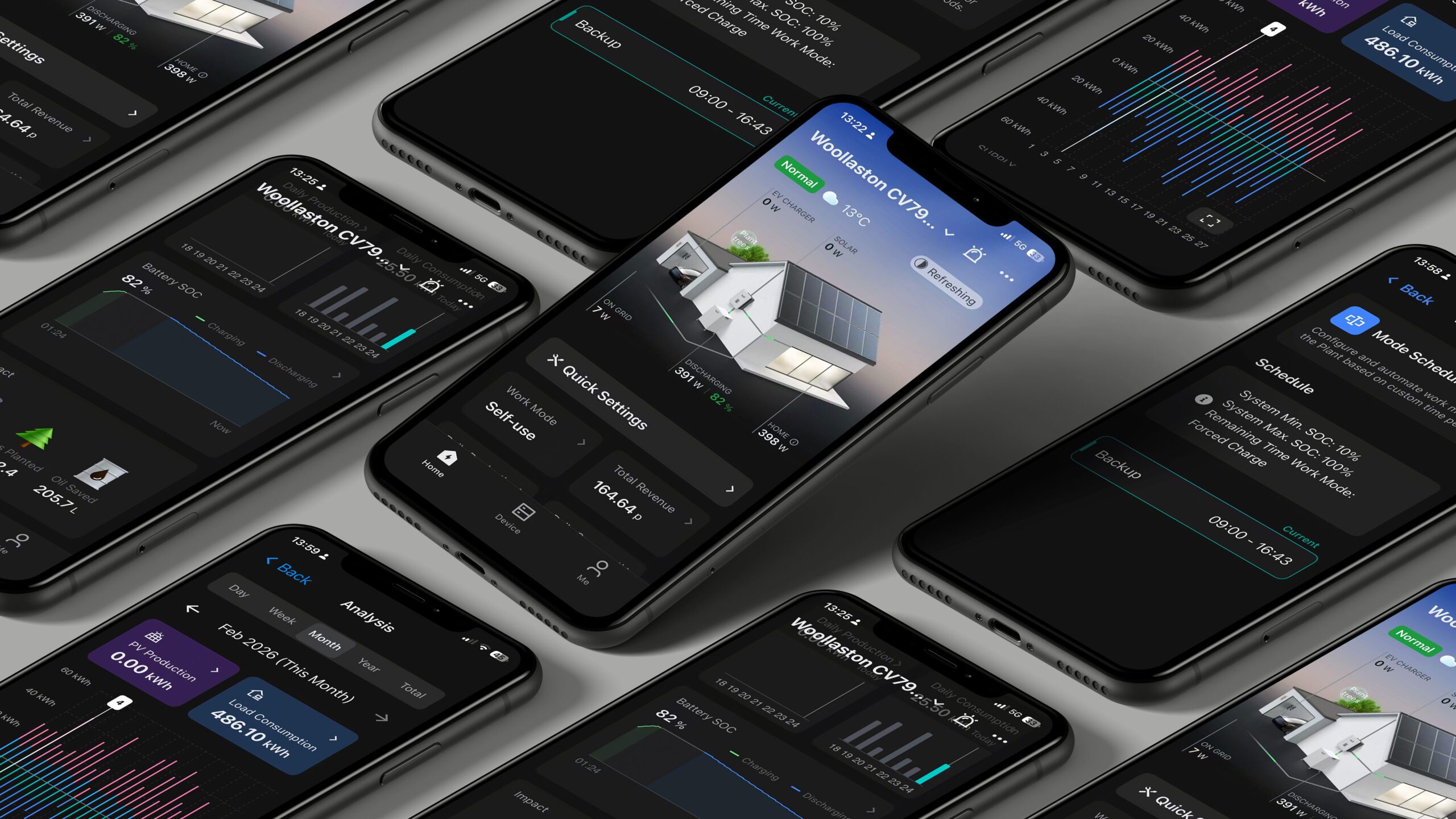
Once you have received your temporary password from our service team, you can change to a new password by accessing the Me option in the app, and then entering System Settings > Change Password.
We would also recommend you check the email address and mobile number registered on the account, this can be access using the Me option and then selecting FOXESS User.
Forgotten username
If you know your password but have forgotten your username, please email service.uk@fox-ess.com to request this; providing your inverter or datalogger serial number.