This guide walks you through how to create a new account on Fox Cloud using the login and registration screen. This is guide is for admin account access and should be used by new installers looking to set up their master admin account.
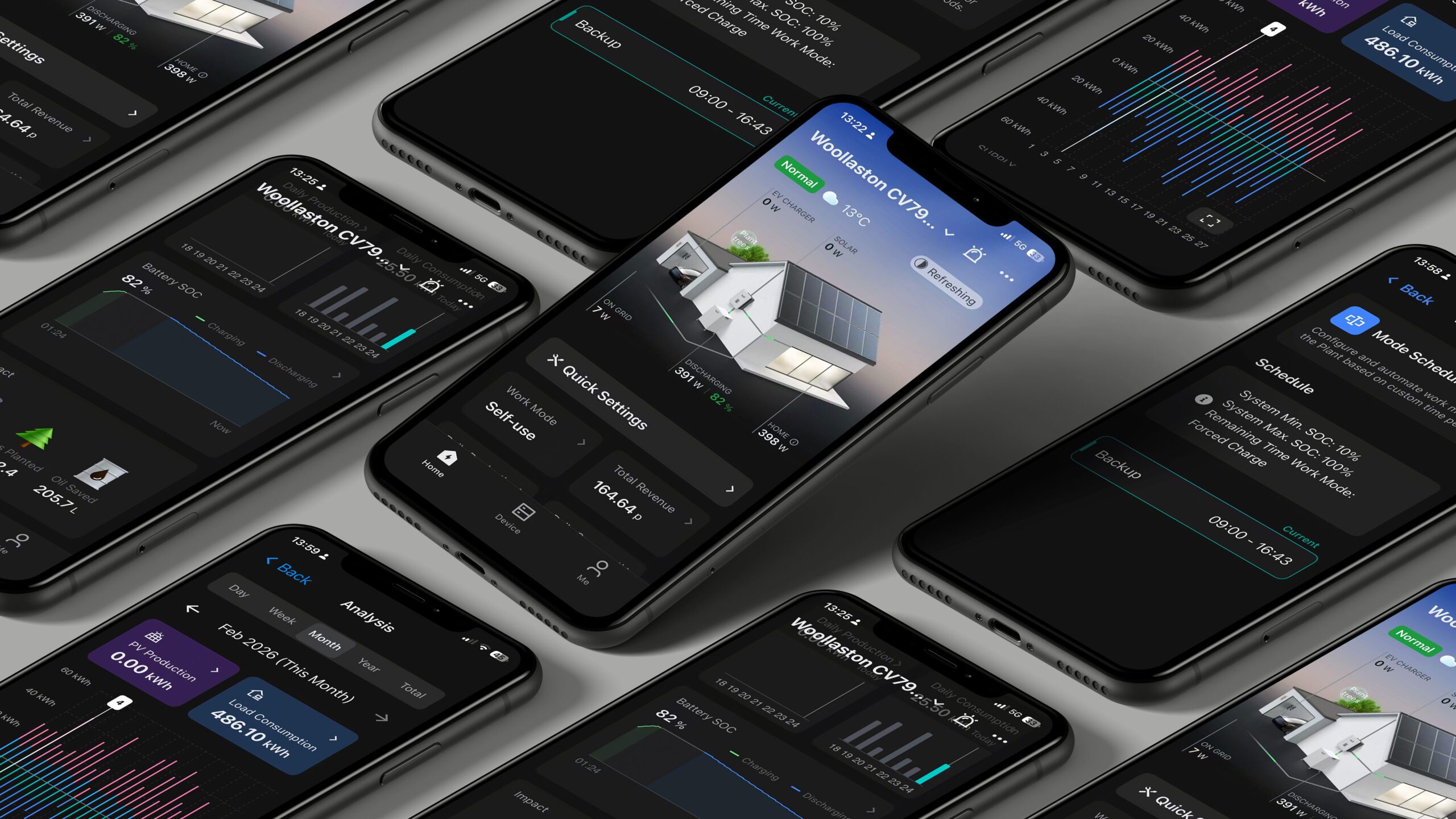
1. Access the Fox Cloud Login Page
When you first navigate to the Fox Cloud platform, you will see the login screen with:
- Username/email field
- Password field
- Options such as Remember Me, Forgot Password, and Sign Up
👉 To create a new account, click “Sign Up” at the bottom of the login panel.
2. Review and Accept the Privacy Policy
Before proceeding with registration, a Privacy Policy Statement will appear.
What to do:
- Scroll through the policy document
- Review the terms and conditions
- Tick the checkbox confirming you have read the agreement
- Click “Agree”
⚠️ You must accept this policy to continue with account creation.
3. Complete the Registration Form
After accepting the policy, you will be prompted to enter your account details.
Typical fields include:
- Email address or username
- Password
- Confirmation password
- Verification details (if required)
👉 Make sure:
- Your password is secure
- You use a valid email address (this may be needed for verification or password recovery)
4. Submit Your Registration
Once all required fields are completed:
- Click Register / Sign Up
- Wait for confirmation
Depending on system settings, you may:
- Be logged in automatically
- Or need to verify your email before access is granted
5. Log In to Your New Account
After successful registration:
- Return to the login screen
- Enter your new credentials
- Click Log In
You will now have access to the Fox Cloud platform.
6. Next Steps (Recommended)
After logging in, it’s recommended to:
- Set up your user profile
- Create or assign plants
- Configure access if you are part of a team (e.g. installer account with sub-users)
Tips & Best Practices
- ✅ Use installer accounts for each engineer (avoid shared logins)
- ✅ Enable “Remember Me” only on secure devices
- ✅ Store login details securely
To watch the video tutorial follow the link here: https://www.youtube.com/shorts/qPghmt8C9YM