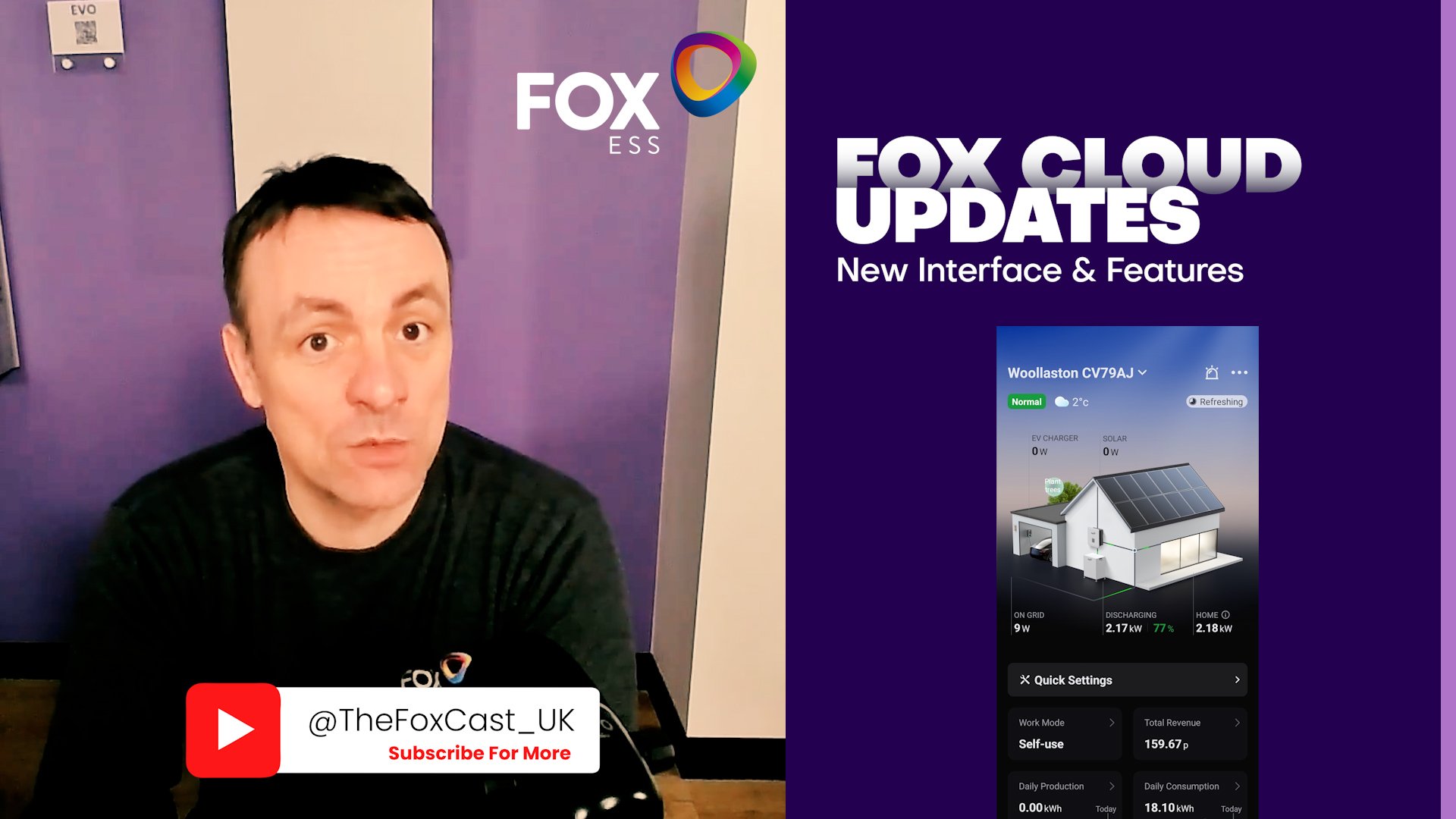
Occasionally, a Fox Cloud datalogger or inverter can lose its Wi-Fi connection. This very rarely a fault with the device itself – it’s usually caused by changes on the home network, such as a new router, updated Wi-Fi password, ISP equipment upgrades, signal changes, or temporary outages. When this happens, the system simply needs to be re-paired to the network so it can resume sending data to Fox Cloud.
This short video shows the correct reconnection process for systems that were previously online but have gone offline. It walks through how to re-pair the device to Wi-Fi using the Fox Cloud app and restore live monitoring.
⚠️ This video is specifically for reconnecting an existing system. It does not cover first-time installation, account creation, or initial device setup.
Once reconnected, your system will automatically resume normal data reporting, remote access, and app monitoring.